First steps
No matter which workflow you decide on, the initial steps for integrating with our APIs are the same.
We will discuss which workflows you require in a future article [LINK], so do not worry about that now.
First of all, you need to create an account at https://app.webtrust.kopjra.com.
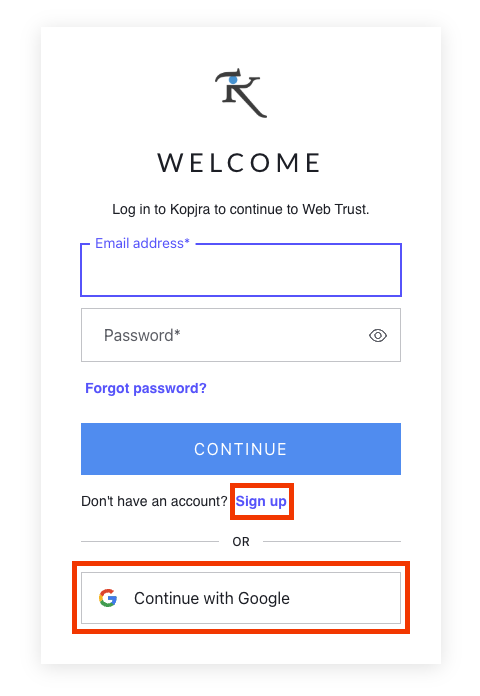
Use your Google account to log in immediately, or create an account with your email address and password.
Since you shouldn’t have any credits, you should be presented with this page:
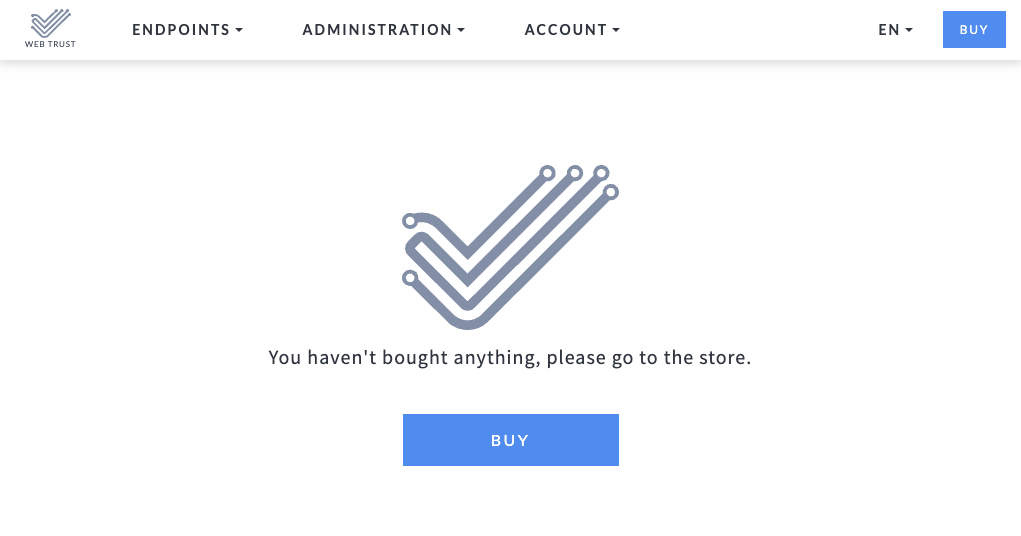
You can purchase credits or get something customized for you by contacting the sales team at the Kopjra Store after selecting BUY.
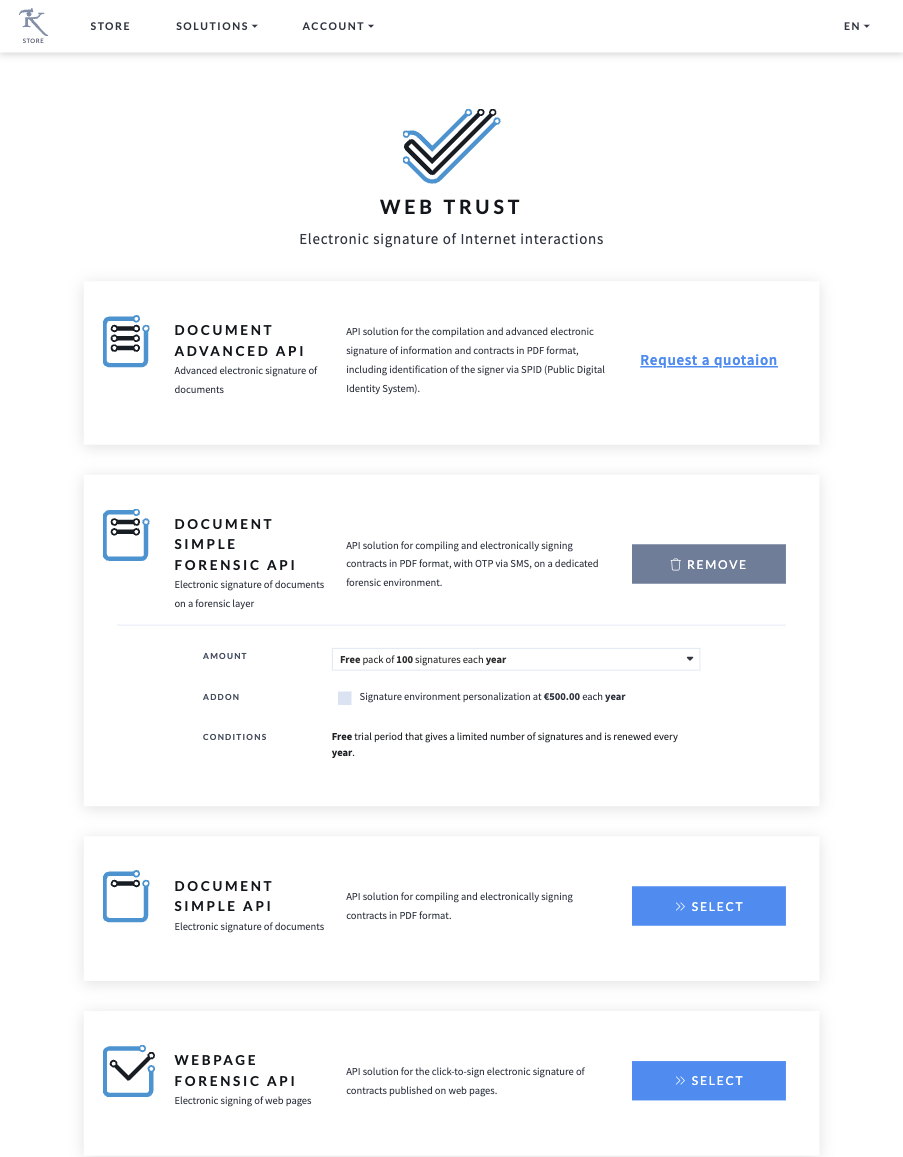
I will use the Document Simple Forensic API's 100-signature free pack for this example.
If you then return to the WT Dashboard, you will be presented with something like this:
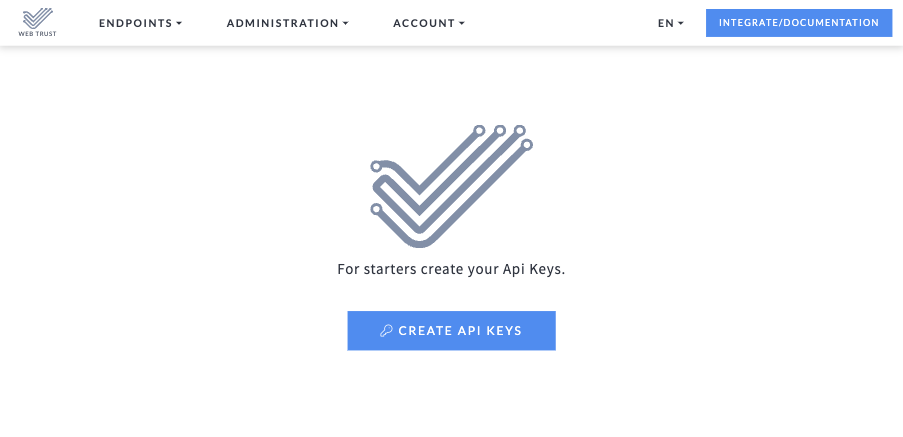
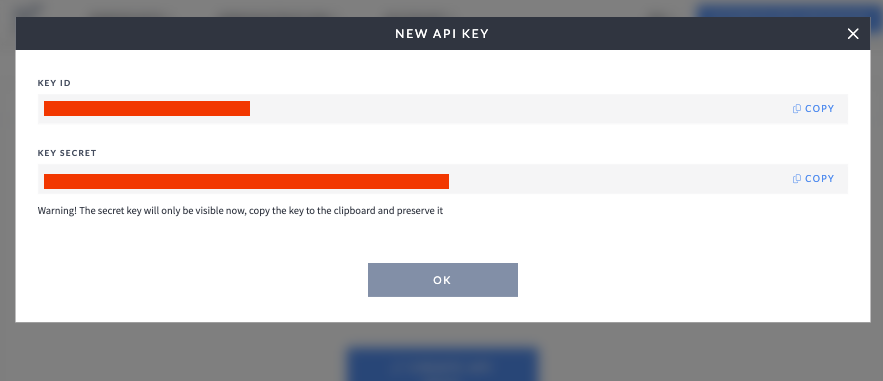
The primary call-to-action has changed, as you can see, and you must now generate the API keys. Pressing the CREATE API KEYS button, you should see a dialog with the key ID and the key secret. Copy both and keep them in a safe place.
Now you are ready to start making API calls.
Was this helpful?
Still need help? Share an idea